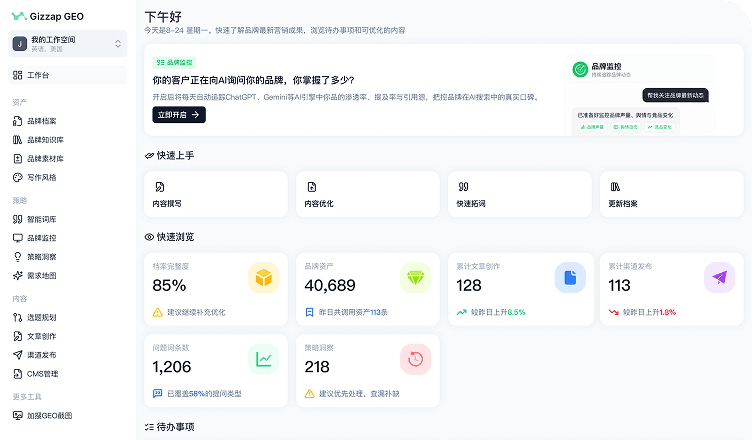
The same content needs repeated adaptation
Teams need different headlines, openings, and lengths for each channel; copying the source is rarely enough

Multichannel Adaptation & Publishing
Gizzap adapts format, length, and tone for each target channel. Teams review every version, approve publication, and continue tracking execution and publishing records
Websites, CMS platforms, and social channels need different headlines, lengths, and structures. Repeated copying, rewriting, and status tracking consumes the team’s time
Teams need different headlines, openings, and lengths for each channel; copying the source is rarely enough
As content is shortened and rewritten, teams must recheck core facts to prevent contradictions across channels
Teams struggle to tell which version was used, where it was published, and what needs another attempt
How Gizzap helps
Gizzap preserves the relationship between source content and channel versions. Teams can review each adaptation and return to the source to verify facts
Select the content version and target channels, and Gizzap preserves the source used for the submission
The channel agent adapts content to each channel’s format, length, and tone and saves every version separately
Teams verify messaging and brand facts in each version before publishing
Publishing services execute tasks on connected channels and save results, links, and error details
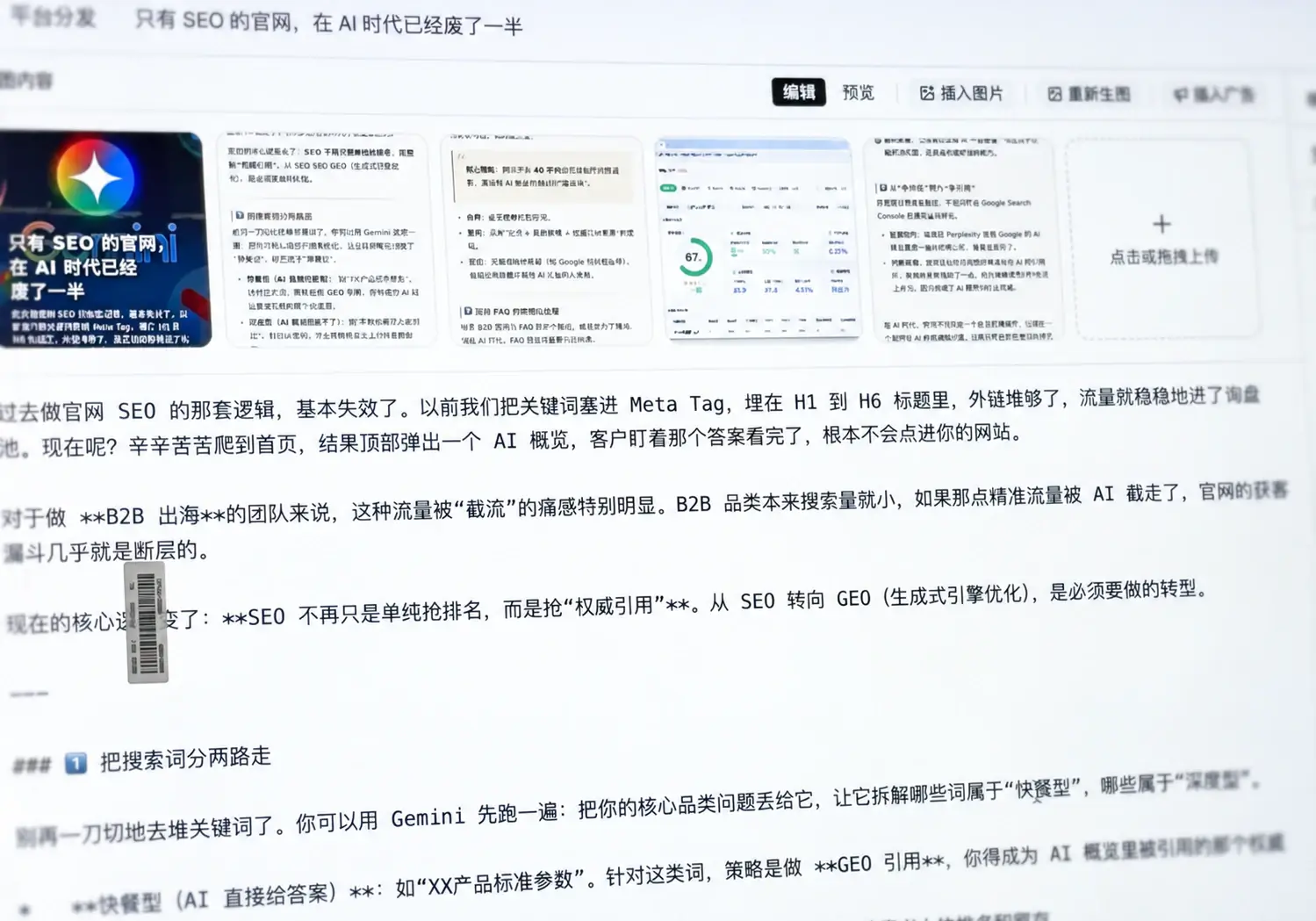
Separate adaptation from publishing approval so every external version is reviewed first
Confirm the source version, target channels, and publishing scope
Adapt headlines and body copy to each channel’s format, length, and conventions
Check content, links, and settings before submitting for publication
Review publishing records and errors, then revise content, check settings, or retry as needed
One article can be presented differently for each use case. Available publishing actions depend on currently supported channels
Website articles usually need complete structure, reasoning, and supporting detail for customer research and comparison
Social content usually needs a sharper point and shorter opening, adapted to reading behavior
Gizzap adapts content to supported channel formats while preserving its connection to the source article
No. Gizzap publishes only to connected channels. The demo shows currently supported channels and publishing methods
No. Gizzap preserves the version selected at submission. Later source edits do not overwrite submitted content
No. Publishing records only confirm that content was sent successfully. Teams need monitoring to understand changes in AI answers
See Gizzap’s channel adaptation workflow and the publishing capabilities currently available